
New tool: split an image into an Instagram carousel
We just shipped a small, free tool: the Carousel Splitter. Give it one wide image and it slices it into evenly sized pieces that line up edge-to-edge as an Instagram carousel — the panorama-style posts people swipe through, where the image appears to continue past the edge of each slide.
Doing this by hand means opening an editor, measuring exact crop boundaries, and exporting each slice without drifting a pixel. The splitter does the measuring for you.
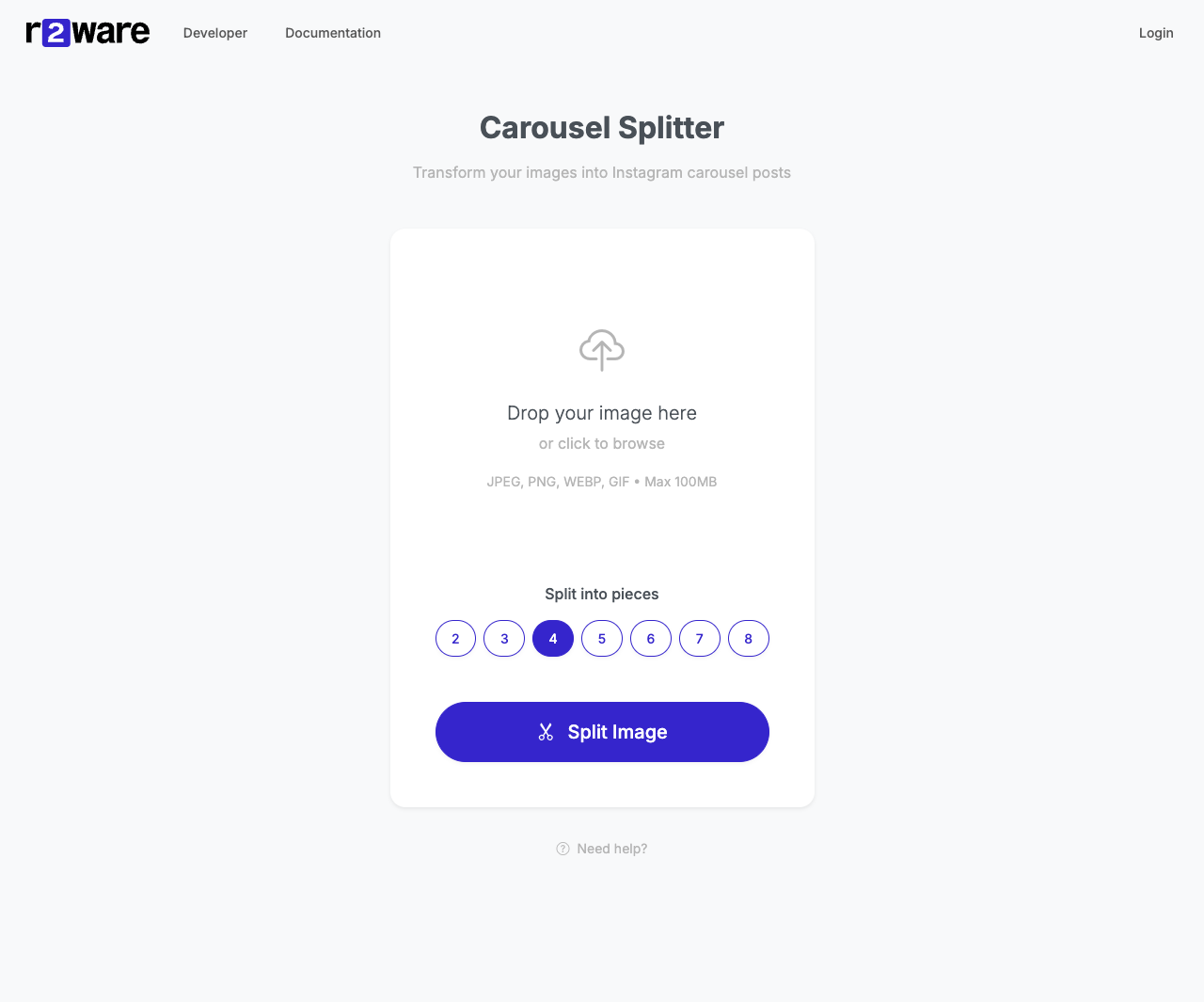
How it works
- Open the Carousel Splitter.
- Upload an image — JPEG, PNG, WEBP, or GIF.
- Pick how many pieces you want (2 to 8).
- Download the ZIP and upload the pieces to Instagram in numbered order.
That's it. No account, no signup, nothing to install.
What you get
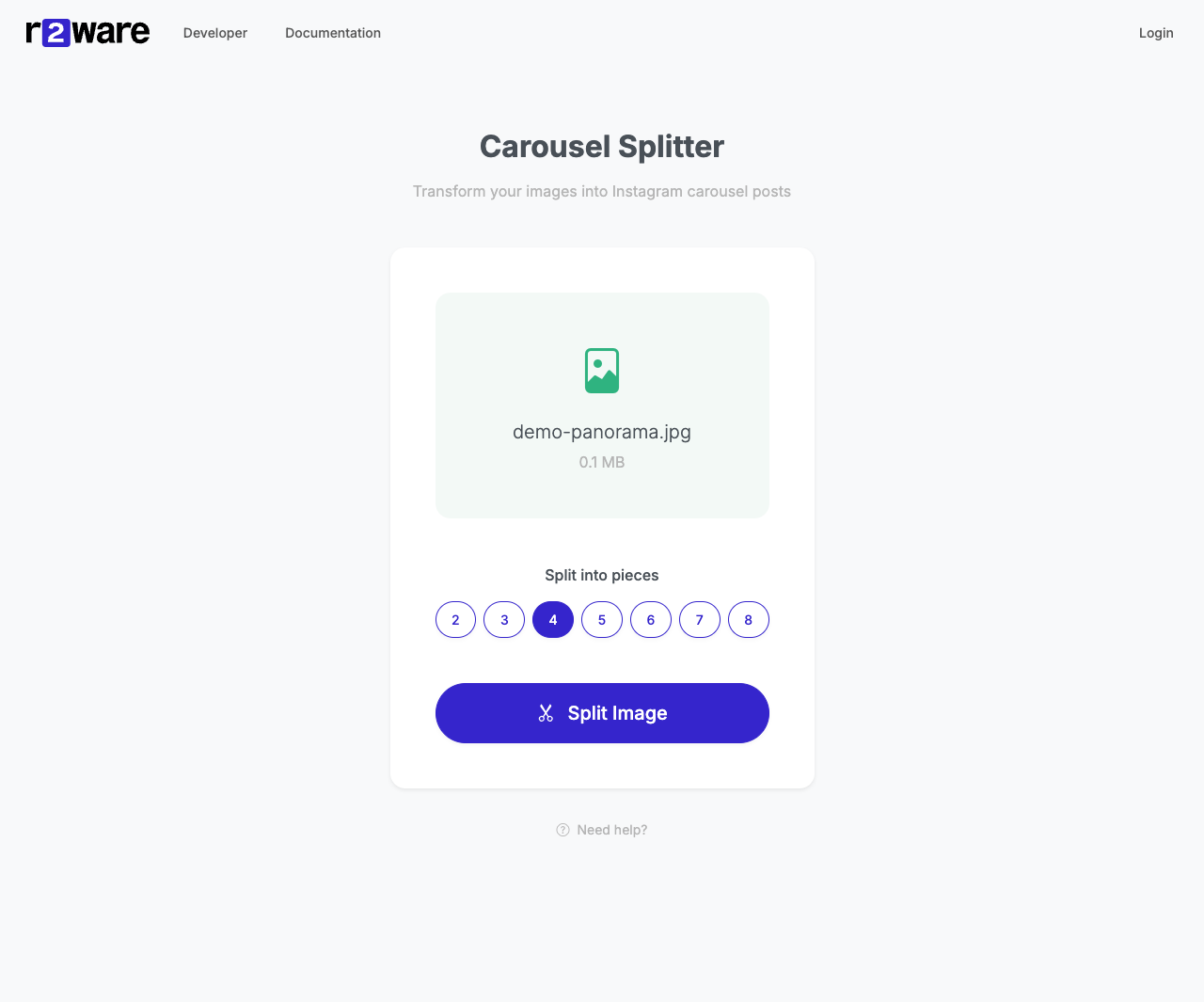
Feed it one wide image — say a 4320 × 1080 panorama built for a 4-slide carousel:

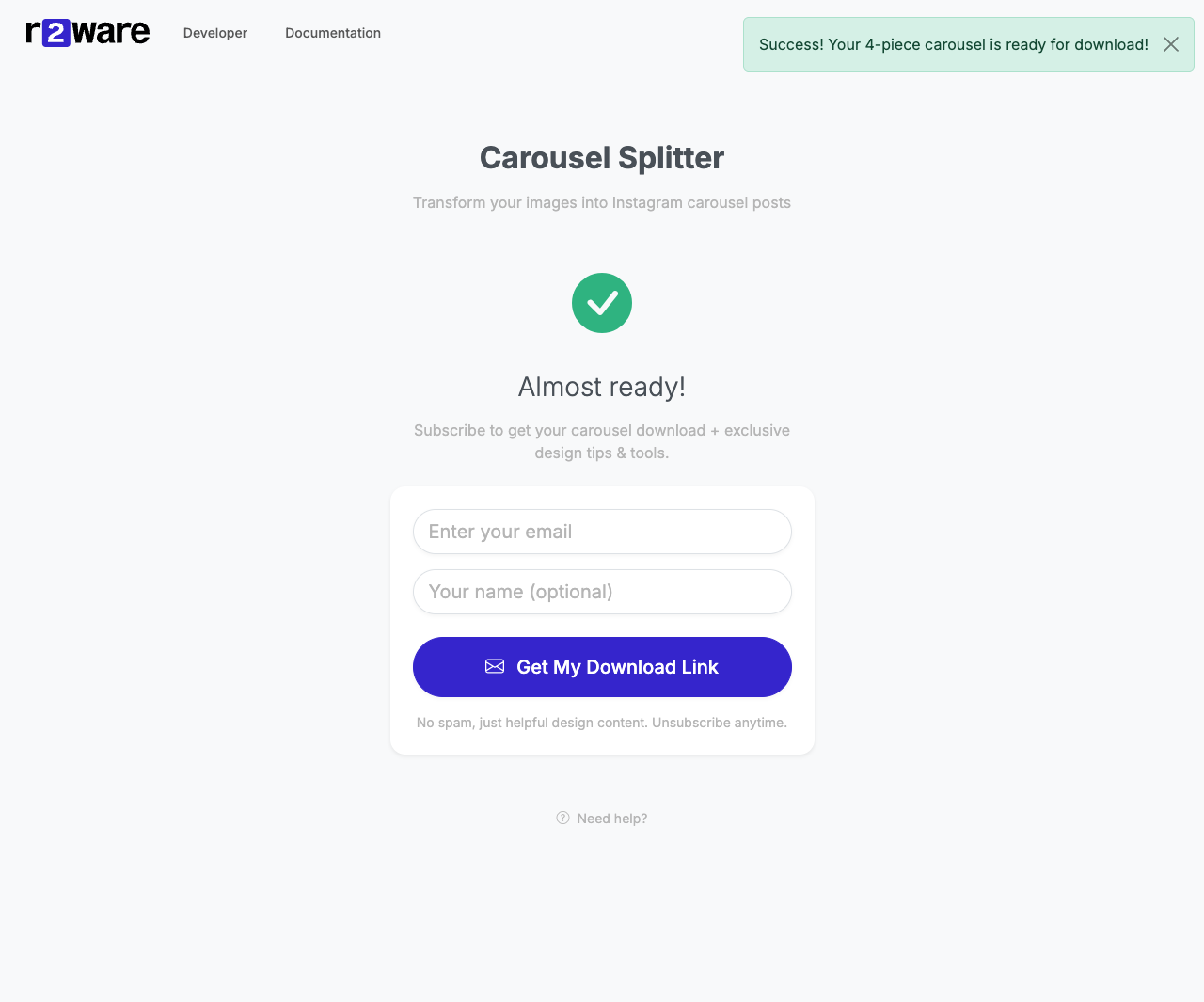
The splitter hands back a ZIP of evenly sized 1080 × 1080 pieces, numbered in order:

Getting clean slices
Instagram slides are square, so the math is simplest when your source image is 1080px tall and 1080 × N wide — for a 4-slide carousel that's 4320 × 1080, for 8 slides it's 8640 × 1080. The tool works with any size and splits the width as evenly as it can, but starting from those dimensions gives you crisp, perfectly square slides with no surprise cropping when Instagram renders them.
A few tips for the post itself:
- Upload the pieces in order (1, 2, 3 …) so the carousel reads left to right.
- Use Instagram's Select Multiple option when adding them.
- Preview before posting to confirm the seams line up.